How a mini UPS for WiFi routers keeps you connected during load shedding
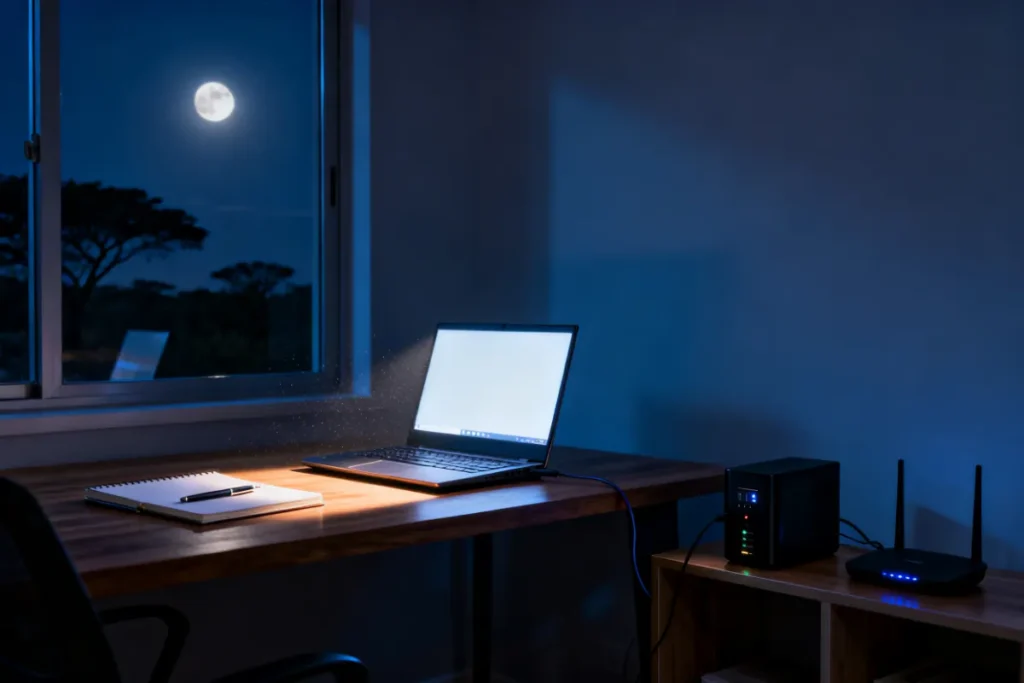
Working from home in South Africa is completely impossible when Eskom keeps pulling the plug on your internet connection. A mini UPS for WiFi routers is the ultimate, affordable gadget that prevents your Zoom calls from dropping the second the grid goes dark. It is a targeted, compact battery backup that ensures your fibre box and router stay powered without you lifting a finger. You do not need a massive solar installation to stay online; you just need this one clever piece of hardware sitting on your desk.
Why a mini UPS for WiFi routers is better than a standard power bank
A dedicated router UPS provides an instant, seamless power switchover that prevents your internet from rebooting, whereas a standard power bank often causes a brief power drop. This zero-millisecond transition is absolutely vital if you want uninterrupted streaming, gaming, and remote work when the load shedding schedule hits.
Using a normal USB power bank requires manual cable swapping and often outputs the incorrect voltage for sensitive networking gear. A proper uninterruptible power supply for home router setups stays plugged into the wall permanently, automatically managing its own battery health. It acts as a shield, absorbing power surges when the electricity rushes back on, ensuring your expensive router does not get fried by the unstable grid.
Calculating the exact router backup power for your home
To get the right router backup power, you must check the voltage printed on the back of your router and match it to the UPS. Buying the wrong voltage will either fail to power the device entirely or slowly damage its internal components over a few weeks.
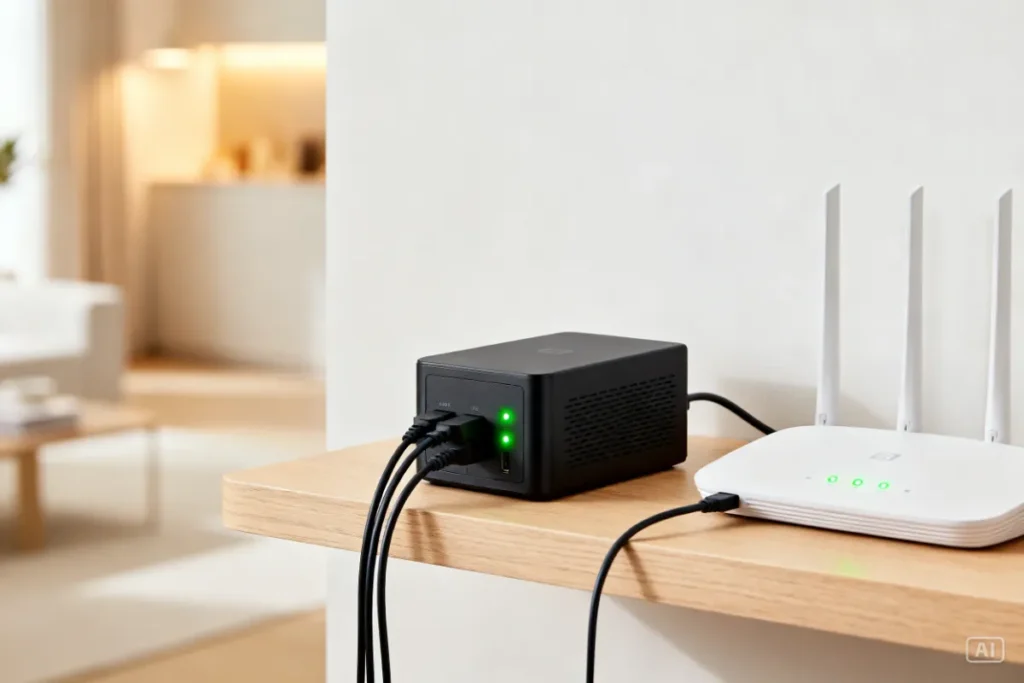
Most South African homes have both a fibre ONT box against the wall and a main Wi-Fi router on a table, meaning you need a dual-output device to power both simultaneously. A standard 10,000mAh unit will comfortably keep both of these devices running for four to six hours. This easily covers a brutal Stage 4 or Stage 6 slot, keeping the kids entertained and your home office functional until the lights return.
Step-by-step: Setting up your mini UPS South Africa edition
Setting up this backup device takes less than five minutes and requires absolutely zero electrical knowledge or special tools. You simply unplug your router from the wall, connect it directly to the battery unit, and plug the unit into the mains.
Do not pay a technician to install this for you. Follow this basic sequence to get your internet off the grid safely:
- Check the voltage: Look at the sticker on the bottom of your router and fibre box to confirm if they need 5V, 9V, or 12V.
- Select the output: Toggle the physical switch on your new UPS to match the exact voltage of your networking equipment.
- Connect the cables: Use the supplied DC splitter cable to connect both your fibre ONT and your router to the UPS output ports.
- Plug into the wall: Connect the UPS to your wall socket and leave it permanently switched on so it charges when the grid is active.
- Test the switchover: Turn off the wall plug at the switch to simulate load shedding and ensure your internet lights stay green.
Comparing a mini UPS for WiFi routers against a massive inverter
A mini UPS for WiFi routers is a highly affordable, plug-and-play solution focused purely on keeping the internet alive, while a massive inverter is an expensive system designed to power heavy household appliances. Understanding this difference saves you from spending money on gear you do not actually need.
If your only goal is to keep WiFi on during load shedding so you can work on your charged laptop, spending fifty thousand Rands on a wall-mounted inverter is complete overkill. These small battery boxes give you the exact connectivity you need for a fraction of the price, and you can pack them in a bag if you move to a new rental property.
| Feature | Mini Router UPS | Full Home Inverter |
| Primary Purpose | Keeps internet and routers online | Powers TVs, fridges, and lights |
| Average Cost | R500 – R1,200 | R50,000+ |
| Installation | Easy 5-minute DIY | Requires a certified electrician |
| Switchover Time | Zero milliseconds (Seamless) | Slight delay (may reboot router) |
| Portability | Pocket-sized, easy to move | Bolted to the wall permanently |
Recommended setups to keep WiFi on during load shedding
For most households, a dual-output 10,000mAh device is the absolute sweet spot for keeping the internet alive through back-to-back outages. You want a rugged unit that handles daily cycling without its battery degrading after just three months of winter schedules.
We highly recommend picking up a WiFi Router because it comes with all the necessary splitter cables and selectable voltage switches right out of the box. If you are also trying to charge your laptops and run an external monitor alongside your internet, you will need to pair it with a Portable Power Station for comprehensive coverage in your home office. To understand exactly how these devices fit into your overall home backup strategy, make sure to read our Essential Gadgets Every Home Needs During Load Shedding for the full breakdown.
Budget Load Shedding Survival Kit
Zack’s Verdict
Honestly, struggling with a dead internet connection every time Eskom trips is a completely self-inflicted headache at this point. Grabbing a dedicated battery backup for your router is the cheapest, most effective quality-of-life upgrade you can buy in South Africa today.
I have seen guys lose out on international client meetings simply because they refused to spend a few Rands on a basic backup box. Set it up once, leave it plugged in behind the TV cabinet, and you will never have to stress about dropping off a call again. It is an absolute no-brainer for anyone trying to work, study, or just relax with some Netflix in this country.
Frequently Asked Questions
Navigating battery sizes, DC cables, and voltages can be slightly confusing for first-time buyers trying to secure their network. Here are the practical answers to the most common questions we get about a UPS for router load shedding setups.
- Will it power both my fibre box and my Wi-Fi router?Yes, most quality units come with a Y-splitter cable specifically designed to power both devices simultaneously from a single battery block.
- How long does the internal battery usually last during a cut?A standard 10,000mAh unit will keep an average home internet setup (router + fibre ONT) running for about 4 to 6 hours on a single charge.
- Is it safe to leave plugged into the wall 24/7?Absolutely. They are engineered with smart overcharge protection circuits that stop drawing power once the battery hits 100%, preventing fires or battery damage.
- Does it protect my router from lightning and surges?Yes, they act as a buffer between the unpredictable Eskom grid and your sensitive networking equipment, absorbing harmful voltage spikes when the power returns.
- Can I use it to charge my smartphone?Many models include a standard 5V USB port on the front panel, allowing you to charge your phone safely in an absolute emergency.
- When do I need to replace the unit entirely?Like all lithium batteries, the capacity will degrade over time. Expect to replace the unit every two to three years when the runtime drops noticeably below your load shedding slot times.
Conclusion
You do not have to accept being disconnected from the world just because the national grid is failing. A dedicated battery backup for your router is an affordable, permanent fix to the most frustrating part of daily blackouts, keeping your digital life running smoothly.
By spending five minutes setting up the right gear, you secure your remote work, your entertainment, and your family’s sanity. Head over to Zacks Bargains to browse our range of tough, reliable backup power solutions designed specifically to keep South Africans online when the lights go out.