Solar Security Cameras Without WiFi – Do They Actually Work in South Africa?
Hey neighbour, quick question — what happens when you want eyes on your property but there’s no fibre, no LTE signal, and the nearest Telkom pole is basically a myth?
That’s the exact problem a lot of us face in rural plots, smallholdings, farms, or even some township backyards where the network is more “load-shedding” than reliable.
The good news? Yes — solar security cameras without WiFi do exist, and some of them work surprisingly well in real South African conditions. Let’s break it down honestly so you can decide whether one makes sense for your place.
The Ultimate Guide to Solar Security Cameras in South Africa
Do Solar Security Cameras Without WiFi Really Exist?
Yes, and they come in two main flavours in 2026:
- 4G / SIM-card solar cameras — these connect through a mobile data SIM instead of WiFi
- Fully offline / local-storage solar cameras — no internet at all, just record to SD card or internal memory
Both types are 100% solar powered with a built-in battery, so Eskom blackouts don’t kill them.
The big difference is how (or if) you actually see the footage.
How Do Non-WiFi Solar Cameras Get Footage to You?
Here’s the honest breakdown most salespeople won’t tell you upfront:
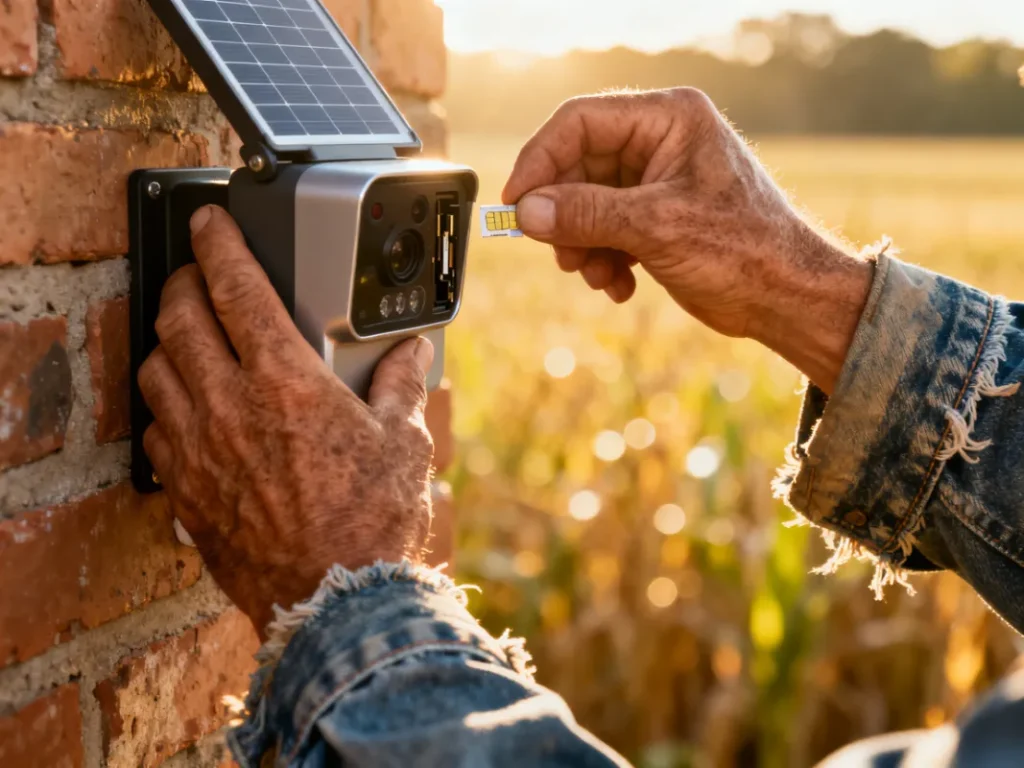
- 4G / Cellular models You pop in a cheap MTN or Vodacom data SIM (usually 1–3 GB per month is enough). The camera sends motion alerts, live view, and recordings through mobile data. Works anywhere you get phone signal — even weak 3G is often enough for alerts.
- Pure offline / SD-card models No connectivity at all. Records continuously or on motion to a microSD card (usually 32 GB–128 GB). You physically walk to the camera, take the card out, plug it into your laptop or phone adapter, and watch. Some higher-end ones have a small LCD screen on the camera itself so you can preview clips without removing the card.
Which one is better? Depends on your situation — we’ll compare them properly in a minute.
4G Solar Cameras vs Offline SD-Card Models – Quick Comparison
| Feature | 4G / SIM Card Solar Camera | Offline SD-Card Solar Camera |
|---|---|---|
| Needs phone signal | Yes (at least 3G) | No |
| Live view on phone | Yes | No |
| Motion alerts on phone | Yes | No |
| Remote playback | Yes | No |
| How you get footage | Mobile app over data | Remove SD card or preview on device |
| Data cost per month | R30–R80 (1–3 GB) | R0 |
| Best for | Remote but has signal | Zero signal areas, very rural |
| Price range (2026) | R1 400 – R2 800 | R900 – R1 800 |
| Reliability during load shedding | Excellent (solar + battery) | Excellent (solar + battery) |
Where Do Non-WiFi Solar Cameras Actually Make Sense in South Africa?
Real places I’ve seen these working well:
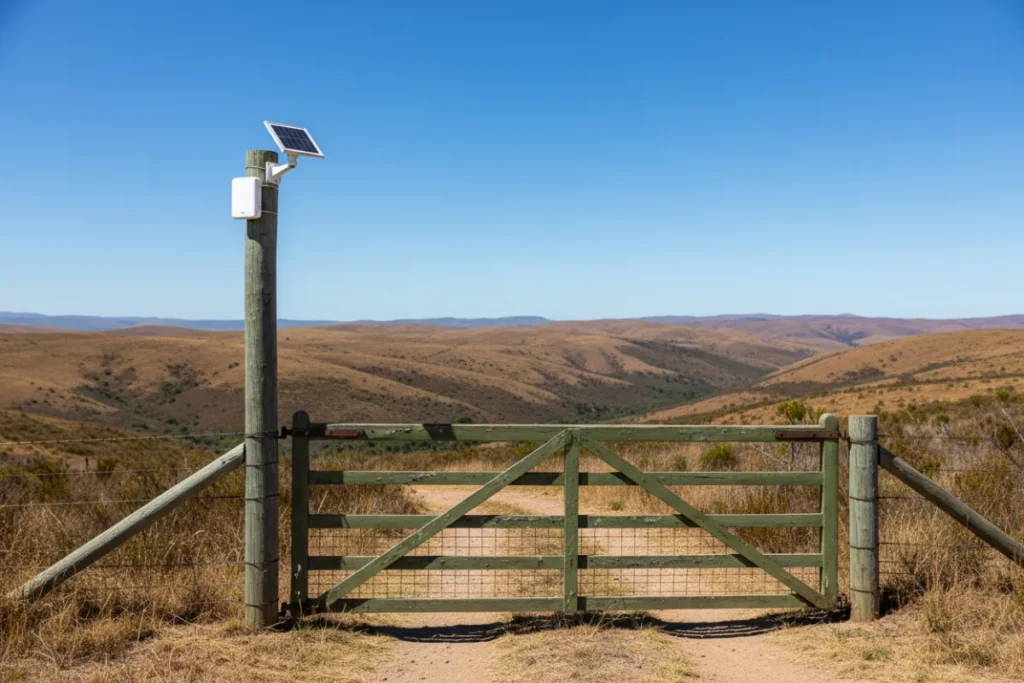
- Small farm gates and livestock kraals (signal often reaches the perimeter)
- Backyard workshops or Wendy houses with no fibre extension
- Remote smallholdings and plots outside town
- Game farms and weekend bush lodges
- Construction sites or temporary storage yards
- Any spot where running fibre or WiFi extender is too expensive or impossible
If your house already has good WiFi coverage, honestly just get a normal WiFi solar camera — it’ll be cheaper and simpler.
But if you’re 300 metres from the house or on a completely off-grid plot, these non-WiFi options suddenly look very smart.
What Features Should You Look For?
Whether you go 4G or offline, make sure the camera has:
- At least 1080p resolution (2K or 3K is even better now)
- Decent night vision (850 nm IR or colour night vision if budget allows)
- PIR motion sensor (not just pixel-based – less false alerts from wind or leaves)
- IP66 weatherproof rating (rain, dust, heat are brutal here)
- At least 10 000 mAh battery + 5–7 W solar panel
- H.265 video compression (saves huge space on SD card)
- Human / vehicle detection (cuts false alarms from birds and dogs)
Nice-to-haves:
- Siren or spotlight to scare intruders
- Two-way audio (even on offline models you can sometimes use it locally)
Biggest Mistakes People Make Buying Non-WiFi Solar Cameras
- Buying a cheap “WiFi-only” model and expecting it to work without internet — most budget cameras lie on the box.
- Putting a 4G model in a zero-signal area — test signal with your phone first.
- Using a tiny 16 GB card in a 4K camera — you’ll get 2 days max of recordings. Go 64 GB or 128 GB minimum.
- Mounting it in permanent shade — that solar panel needs direct sun at least 4–5 hours a day.
- Forgetting about data bundles — a camera eating 3 GB a month on auto-upload will quietly kill your phone data if you don’t top up separately.
Recommended Solution
If you’ve got any kind of mobile signal at the spot you want to monitor → go for a solid 4G solar camera. You’ll get alerts and live view, which is a game-changer.
No signal at all? Get a good offline SD-card solar model with a big battery and colour night vision if you can stretch the budget.
Both options are available right now in our Solar Security Cameras collection at prices that won’t make you cry.
Want the middle ground? Some newer models offer “dual-mode” — they try 4G first, fall back to local recording if signal drops. Pricey, but very clever.
Zack’s Verdict
Blunt truth?
If you can get WiFi or a decent extender out there — do that first. It’s still the cheapest and most flexible option in 2026.
But when WiFi simply isn’t happening (and that’s a lot of South Africa), a properly chosen non-WiFi solar camera is one of the few security gadgets that actually delivers without constant excuses.
Just don’t buy the cheapest one on the market — you’ll hate yourself when it dies in six months or the night vision looks like a potato.
Spend a bit more, mount it properly, and it’ll quietly guard your stuff for years — signal or no signal.
FAQ
Can solar security cameras work completely without internet? Yes — offline models record straight to SD card. You just need to collect the card to watch footage.
Do 4G solar cameras use a lot of data? Not really. Motion-triggered recording + short clips usually stay under 2–3 GB per month. Alerts use almost nothing.
Will a solar camera work in winter when days are shorter? Yes, as long as it gets 3–4 hours of direct sun. Modern panels and bigger batteries handle cloudy days much better than older models.
How long does the SD card last before overwriting? Depends on capacity and settings. A 128 GB card on motion detection can store 2–6 weeks of clips before looping.
Are non-WiFi solar cameras weatherproof enough for South African rain? Look for IP66 or IP67 rating. Most decent ones handle our summers and Joburg hail just fine.
Can I use these cameras for gate monitoring? Yes — very popular use case. Just make sure the solar panel gets sun and the camera has good zoom or wide angle depending on distance.
Do offline cameras have motion alerts? No — no internet = no push notifications. That’s the trade-off.
Are they easy to install myself? Very. Usually just screw the bracket, point the panel north, and tighten. Takes 20–40 minutes with basic tools.
Wrapping It Up
No WiFi doesn’t mean no security anymore. Whether you go the 4G route or pure offline, solar cameras without WiFi are solving real problems for thousands of South Africans right now — from farm gates to quiet smallholdings.
Pop into Zacks Bargains and filter for the ones that match your exact spot (signal or no signal). Grab one before the next round of farm break-ins or load shedding chaos reminds you why you needed it.
Stay safe out there, boet.