Keeping Your Internet Alive During Power Cuts — The Complete SA Guide
If there’s one thing that makes load shedding genuinely unbearable, it’s losing your internet at the same time as the lights go out. Keeping your internet alive during power cuts isn’t complicated once you understand what’s actually killing your connection — and how to stop it. Whether you’re working from home, running a small business from your lounge, or just need the kids to finish their homework online, this guide gives you the practical solutions that work in real South African homes.
The problem isn’t your internet service provider. It’s your router, your fibre ONT, and your LTE signal booster all dying the moment Eskom cuts the power.
Essential Gadgets Every Home Needs During Load Shedding
Why Keeping Your Internet Alive During Power Cuts Is Harder Than It Looks
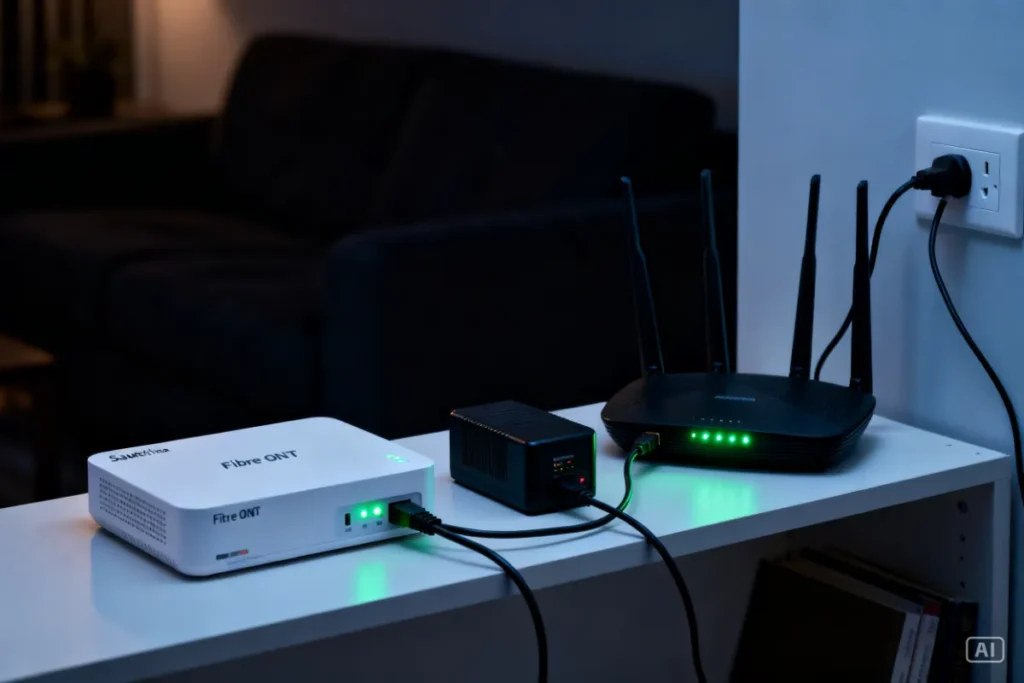
Keeping your internet alive during power cuts requires more than just backup power for one device — your home internet connection typically runs through two or three separate pieces of equipment, and every single one of them needs to stay powered. Most people only think about the router and forget that their fibre ONT (the small white box your fibre cable plugs into) dies at exactly the same moment, cutting the connection completely.
If you’re on LTE or fixed wireless, your indoor router or signal booster also needs power. Understanding your specific setup is the first step — because the solution differs depending on whether you’re on fibre, LTE, or ADSL.
What Equipment Do You Need to Keep Powered to Stay Online?
The answer depends on your connection type. Here’s a quick breakdown so you know exactly what you’re protecting:
- Fibre users: You need backup power for your fibre ONT (the box where the fibre cable enters your home) AND your WiFi router. Both must stay on — losing either one kills your connection.
- LTE/fixed wireless users: You need backup power for your LTE router or signal booster only. Simpler setup, easier to solve.
- ADSL users: You need backup power for your ADSL modem/router. Note that ADSL also depends on the Telkom exchange having power — if the exchange goes down, your backup power won’t help.
Once you know which devices need power, you can choose the right backup solution for your specific situation.
The Best Solutions for Keeping Your Internet Alive During Power Cuts
There are three main approaches that work reliably in South African homes. Each has a different price point and level of convenience — choose the one that fits your setup and budget.
Option 1: Mini UPS (Best Overall Solution)
A mini UPS is a compact battery backup unit that sits permanently between your wall socket and your router and ONT. It charges continuously when power is on and switches to battery instantly when load shedding hits — your connection doesn’t even blink. Most quality units keep a router and ONT running for 4–6 hours, which covers the majority of SA load shedding slots. This is the cleanest, most reliable solution for fibre users. For the full breakdown on this option, see our guide on mini UPS for WiFi routers.
Option 2: Power Bank with DC Output
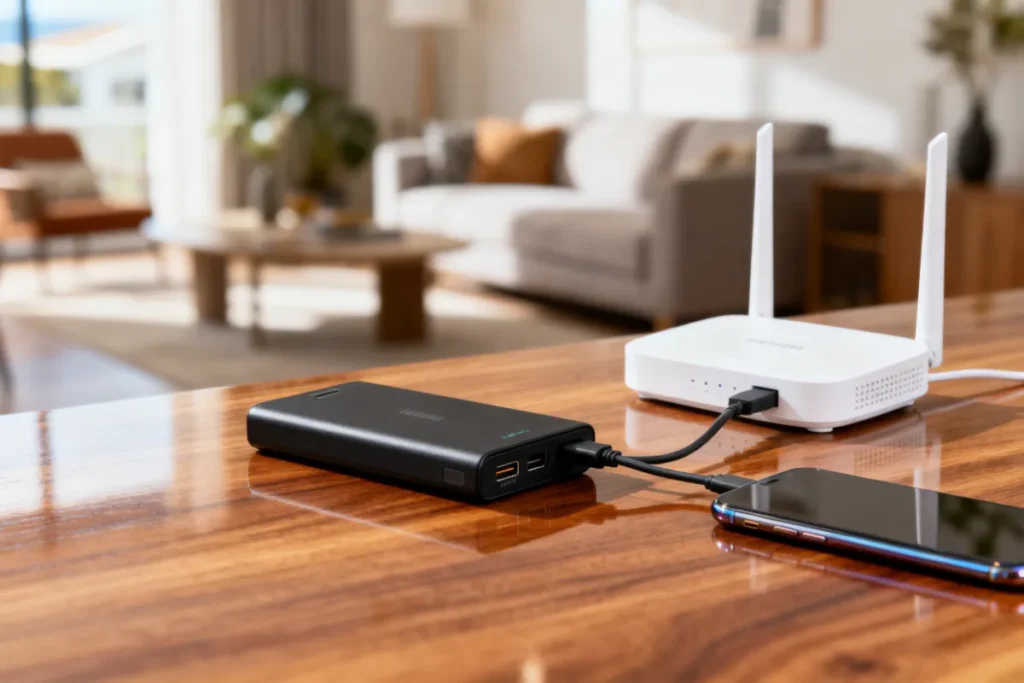
A high-capacity power bank with a DC output port can power your router and ONT through a load shedding slot. It’s a more manual solution — you need to connect it when the power cuts and disconnect it when power returns — but it costs less than a dedicated UPS and doubles as a phone and device charger. Look for a power bank with at least 20,000mAh and the correct DC output voltage for your router (usually 9V or 12V).
Best Power Banks for Load Shedding
Option 3: LTE Backup Router
If your fibre goes down regularly during load shedding (because your building’s shared equipment loses power), a dedicated LTE backup router is worth considering. You keep it charged, and when fibre fails, you switch to LTE data. It’s a more expensive solution but gives you true redundancy — two completely separate internet connections.
How to Set Up Backup Power for Your Router Step-by-Step
This applies specifically to the mini UPS setup, which is the most popular and reliable option for fibre users.
- Identify your router’s input voltage. Check the label on your router’s power adapter — it will show an output voltage like 12V or 9V. Do the same for your fibre ONT.
- Buy a mini UPS with matching output ports. Most units have multiple DC ports at different voltages — confirm your devices’ voltages are covered before purchasing.
- Charge the UPS fully before first use. Plug it into the wall and leave it for 4–5 hours before connecting your devices.
- Connect your router and ONT to the UPS output ports. Use the correct voltage port for each device.
- Plug the UPS into your wall socket. It now charges continuously and your devices are protected.
- Test the setup. Switch off the wall socket — both your router and ONT should stay on without interruption. If they do, you’re sorted.
For more practical solutions to surviving load shedding with your home intact, the Ultimate Guide to Load Shedding Survival Gadgets covers everything from internet backup to solar lighting and emergency cooking.
Comparing Internet Backup Options for Load Shedding
| Feature | Mini UPS | Power Bank | LTE Backup Router |
|---|---|---|---|
| Seamless switchover | ✅ Zero interruption | ⚠️ Brief manual gap | ✅ If pre-configured |
| Powers fibre ONT | ✅ Yes | ✅ With right cable | ❌ Not applicable |
| Setup difficulty | ✅ Simple | ✅ Simple | ⚠️ Moderate |
| Battery life | ✅ 4–6 hours | ✅ 4–8 hours | ✅ Varies by model |
| Also charges devices | ❌ No | ✅ Yes | ❌ No |
| Best for | Fibre users | Fibre + LTE users | Power users |
| Price range | R400–R900 | R300–R700 | R800–R2,000+ |
Common Mistakes That Kill Your Internet During Load Shedding
Most people who struggle to stay connected are making one of these fixable errors.
- Only backing up the router and forgetting the ONT. Your fibre connection dies at the ONT, not the router. Both must have power.
- Using a power bank that doesn’t output the right voltage. Standard USB power banks output 5V. Most routers need 9V or 12V. Using the wrong voltage either won’t work or can damage your router.
- Buying a UPS that’s too small. A UPS rated for a single 10W device won’t reliably power a router plus ONT simultaneously. Check total wattage of all connected devices against the UPS output rating.
- Not testing before load shedding hits. Set up your backup power and test it immediately — don’t discover it doesn’t work during an 8pm Stage 6 blackout.
- Relying solely on your phone’s hotspot. Mobile networks get congested during load shedding as everyone switches to cellular data simultaneously. Hotspot speeds often crawl to unusable levels exactly when you need them most.
Zack’s Verdict
This is genuinely a solved problem — and it shouldn’t cost you more than R500 to solve it properly for most home setups. A mini UPS or a quality power bank with the right DC cable keeps your fibre router and ONT running through virtually every load shedding slot South Africa throws at you. The people still losing their connection every blackout are the ones who haven’t taken 20 minutes to sort this out. Do it once, do it right, and load shedding stops being a productivity killer. Just make sure you know your router’s input voltage before you buy anything — that single detail is what separates a solution that works from one that sits in the box unused.
FAQ
Q: Will my fibre internet stay on during load shedding if I use a mini UPS?
A: Yes, provided you power both your fibre ONT and your WiFi router from the UPS. Powering only the router while the ONT loses power will still kill your connection — both devices need backup power simultaneously.
Q: How long will a power bank keep my router running during load shedding?
A: A 20,000mAh power bank powering a standard home router (10–15W) will typically last 4–6 hours. Runtime drops if you’re also charging phones or other devices from the same bank simultaneously.
Q: Can I use any power bank to power my router?
A: Not any power bank — you need one with a DC output port at the correct voltage for your router (usually 9V or 12V). A standard USB-only power bank outputs 5V, which is insufficient and can damage your router. Always check the voltage specs before connecting.
Q: Does load shedding affect LTE and mobile data speeds?
A: Yes, significantly. During load shedding, thousands of households switch to mobile data simultaneously, congesting cell towers. Speeds on LTE often drop to 3G levels or worse during peak load shedding hours, which is why maintaining your fibre connection through backup power is worth the effort.
Q: What happens to my fibre ONT during load shedding?
A: Your ONT loses power and shuts down, cutting your fibre connection completely — even if your router stays on. The ONT is the device where the physical fibre cable enters your home and converts the signal. It must stay powered for fibre internet to work.
Q: Is it safe to leave a mini UPS plugged in permanently?
A: Yes. Mini UPS units are designed for permanent installation and include overcharge protection circuits. They draw minimal power when fully charged and switch to battery output instantly during an outage without any manual intervention.
Q: My building’s fibre distribution box loses power during load shedding — what can I do?
A: If your building’s shared fibre equipment (not in your unit) loses power, there’s nothing your personal backup power can do for the fibre connection. In this case, an LTE backup router is your best option — it provides an entirely separate connection that doesn’t depend on your building’s infrastructure.
Q: How do I know what voltage my router needs?
A: Check the label on your router’s power adapter (the brick that plugs into the wall). It will show an output specification like “Output: 12V 1.5A” — that’s the voltage your router requires. Match this to the DC output port on whichever backup power solution you buy.
Stop Letting Load Shedding Disconnect You
Your internet connection is too important to lose every time Eskom flips the switch. The solutions exist, they’re affordable, and they work — it’s just a matter of setting them up correctly for your specific connection type. A one-time purchase of the right backup power device means load shedding goes from a productivity crisis to a minor inconvenience.
Browse the full range of internet and load shedding backup solutions at Zacks Bargains — real products, honest prices, and advice that actually applies to South African homes.